

With the latest release of SOLIDWORKS 2026, we will explore the new updates with respect to the topic of Collaboration.
- Connect with Peers:
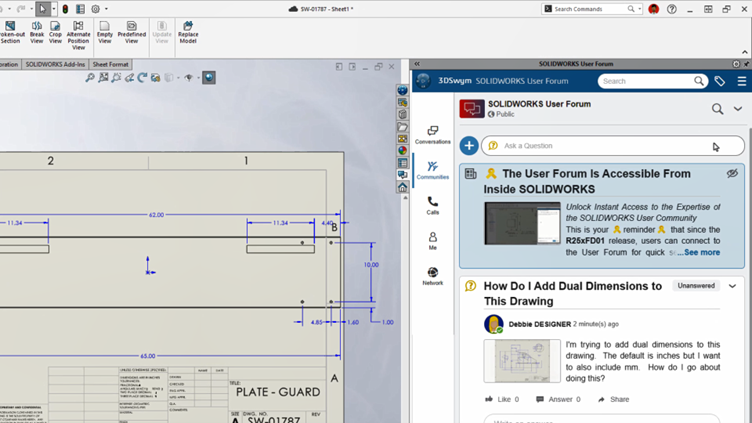
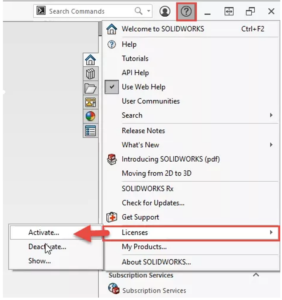
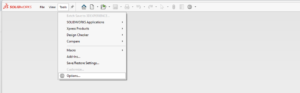
The SOLIDWORKS User Forums have been a source of information and support. We can be able to access the forums directly from the SOLIDWORKS Design task pane instantly and get suggestions on your questions & support others on the queries in this community for knowledge sharing. Access forums directly within the SOLIDWORKS interface. We make the discussion instant and better than the older ones.
2. Iteration Comment:
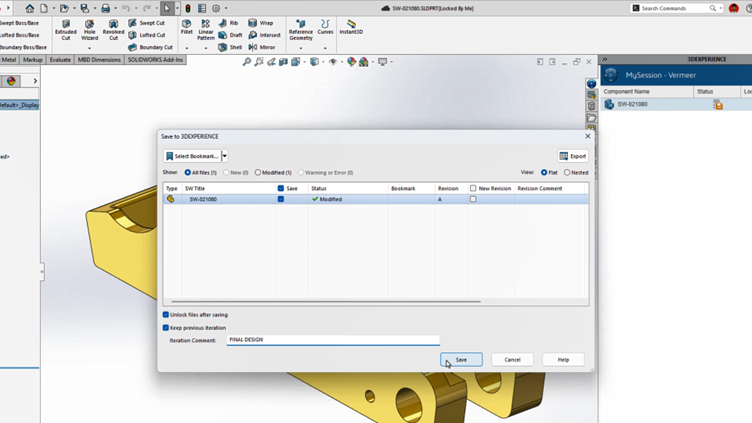
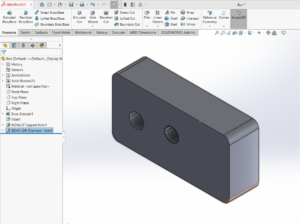
Now while saving the file, we can be able to save with the comments to better understand of the final saved one and can also be able to add the description as the comment for the easy understanding.
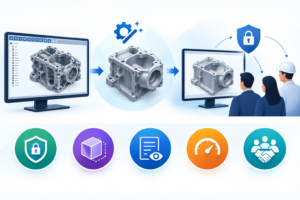
SOLIDWORKS 2026 makes collaboration more natural by bringing conversations and feedback directly into the design environment. These enhancements help teams stay aligned, reduce confusion during iterations, and move projects forward faster. Overall, it’s a practical step toward more connected and efficient product development.
As your trusted SOLIDWORKS partner, we are here to help you explore these new collaboration features and get the most value from your investment. Connect with our team today to see how SOLIDWORKS 2026 can enhance teamwork, streamline communication, and accelerate your design process