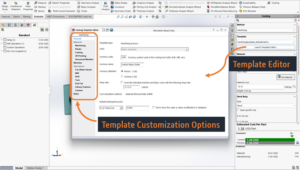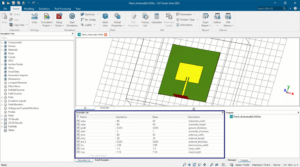


As designers, we understand how much time spent on managing the fasteners. SOLIDWORKS Toolbox reduces this burden and simplifies the work, but company standards may limit its usage.
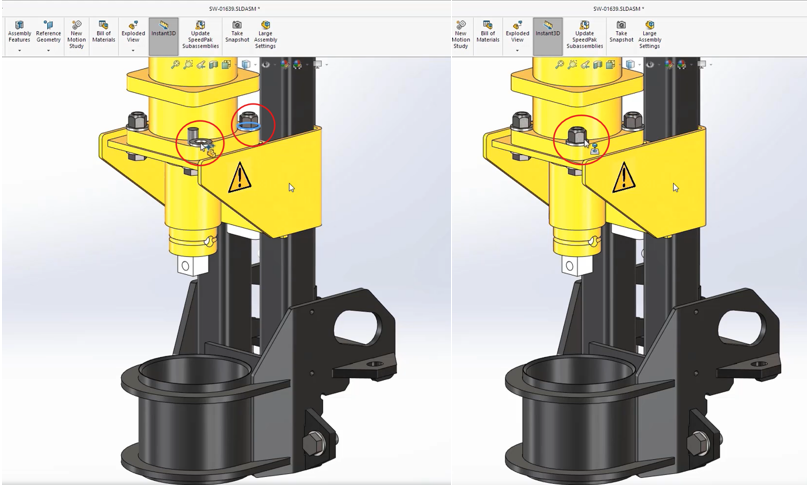
Now, SOLIDWORKS made it even easier by introducing the AI Fastener. This powerful AI tool will recognize fasteners as nuts, bolts, and washers based on their geometry. A clear process can be followed as outlined below.
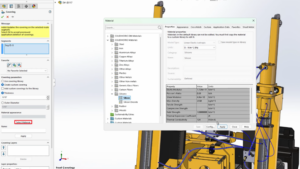
Open the SOLIDWORKS assembly file, and select the required fastener after it has been automatically highlighted. We’re simply using the power of AI to recognize the geometry of these pieces of hardware, and automatically mate them.
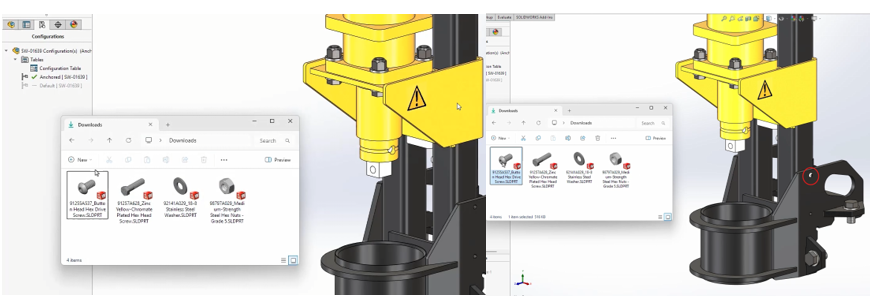
And, we have some parts that are from an online part supplier, and we can just simply drag and drop those directly from the downloads folder. All those components will be included in the data set.
Benefits of AI Fastener Automation:
- No need for Toolbox
- No predefined mate references required
- Faster fastener placement
- Less manual work
- More intuitive assembly workflow
Conclusion:
By accessing the AI Fasteners Automation in SOLIDWORKS 2026 makes the work becomes easier and faster. Using artificial intelligence, to recognize and automatically mate fasteners reduces repetitive tasks and decreases manual work.
Author Details:

Abhishek RS is a certified SOLIDWORKS expert working as a Customer Success Associate in Bengaluru, Karnataka. He has been associated with the Conceptia Konnect team since December 2022 and has good experience and expertise in SOLIDWORKS and 3DEXPERIENCE PLM solutions.