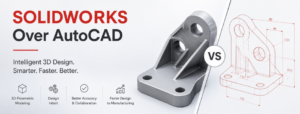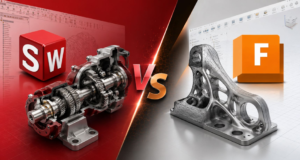


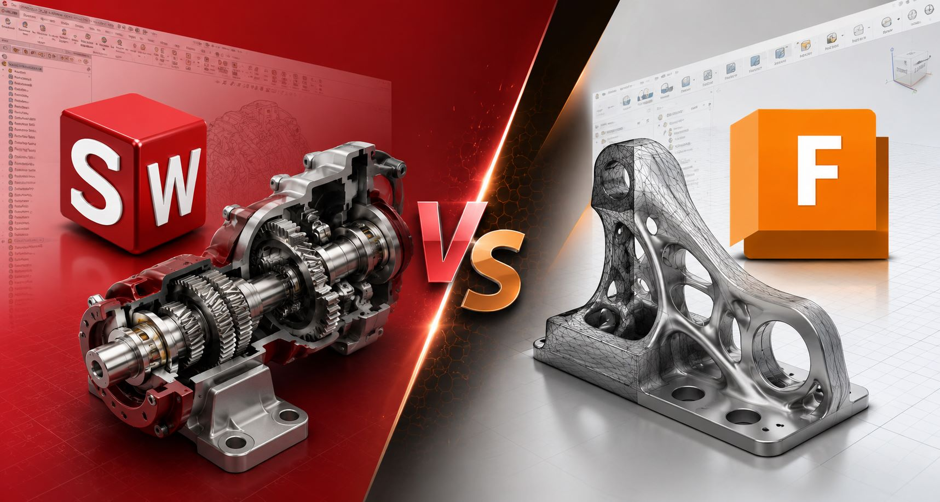
If you’re evaluating SOLIDWORKS vs Fusion 360 for your business, the answer is straightforward: SOLIDWORKS is the preferred choice for Indian manufacturers seeking a scalable, production-ready engineering platform, while Fusion 360 is well-suitable for startups and smaller teams looking for an affordable cloud-based solution.
As Indian manufacturers embrace digital transformation, choosing the right CAD platform has become a strategic business decision rather than just a software purchase. The right solution helps us to accelerate product development, improve engineering accuracy, reduce manufacturing errors, and support future growth.
In this article, we compare both SOLIDWORKS and Fusion 360 across the areas that matter most to Indian manufacturers in 2026.
Why Indian Manufacturers Are Re-Evaluating Their CAD Software in 2026?
India’s industrial industry is seeing fast growth, fuelled by:
• Promoting Make in India projects.
• Increased exports.
• Adoption of Industry 4.0 technologies.
• Automation and smart manufacturing.
• Increased demand for innovative products.
Modern engineering teams need more than basic 3D modelling capabilities. Today’s manufacturers require integrated solutions that support:
- Product design
- Engineering validation
- Manufacturing preparation
- Team collaboration
- Data management
- Change Management
- Revision Management
SOLIDWORKS vs Fusion 360: Detailed Comparison
1. Product Design and Engineering Capabilities
SOLIDWORKS: SOLIDWORKS has gained a reputation for delivering professional-level mechanical design capabilities.
Key strengths include:
- Parametric 3D modeling
- Large assembly management
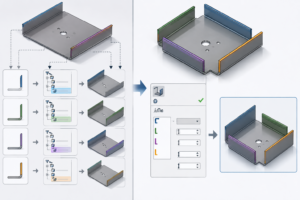
- Advanced sheet metal design
- Weldments and structural systems
- Mold tooling design
- Surface modeling
- Design automation.
These qualities are crucial for companies that manufacture machinery, industrial equipment, automotive components, and engineered products.
Fusion 360: Fusion 360 offers a modern design environment with:
- Parametric modeling
- Direct modeling
- Surface modeling
- Generative design tools
Its user-friendly interface makes it attractive for smaller teams and newer CAD users.
Verdict: For professional product development and manufacturing applications, SOLIDWORKS offers more depth and engineering maturity.
2. Large Assembly Performance
Manufacturers frequently work with assemblies containing hundreds or thousands of components.
Examples include:
- Packaging machinery
- Material handling systems
- Industrial automation equipment
- Production lines
- Automotive systems
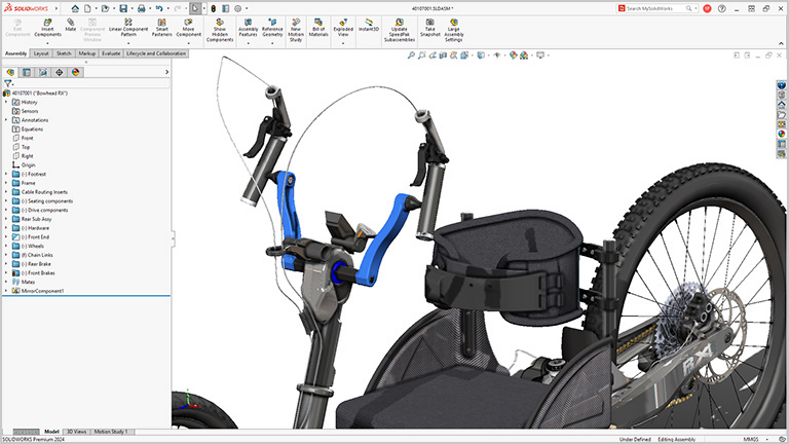
SOLIDWORKS: SOLIDWORKS offers specialized features for large assembly management such as:
- Large Assembly Mode
- SpeedPak
- Lightweight Components
These features help engineers work efficiently with assemblies have thousands of components.
Fusion 360: Fusion 360 works well for small-to-medium-sized assemblies but may face limitations as assembly complexity increases.
Verdict: For manufacturing organizations dealing with complex assemblies, SOLIDWORKS is the stronger solution.
3. Manufacturing Readiness
SOLIDWORKS: One of the most important reasons manufacturers choose SOLIDWORKS is its seamless connection between design and manufacturing.
Capabilities include:
- Automatic Feature Recognition
- Toolpath generation
- Tool based Machining
This reduces the gap between design intent and production execution.
Fusion 360: Fusion 360 is also well known for its integrated CAM capabilities and supports a variety of machining workflows.
Verdict: Both solutions provide strong CAM functionality, but SOLIDWORKS offers a broader ecosystem for manufacturing companies.
4. Simulation and Product Validation
SOLIDWORKS: Product validation is a key strength of SOLIDWORKS.
Capabilities include:
- Static analysis
- Thermal analysis
- Fatigue analysis
- Frequency analysis
- Motion studies
- Nonlinear simulation
This allows engineers to identify issues before production begins.
Fusion 360: Fusion 360 provides simulation tools suitable for many applications, including stress and thermal analysis.
Verdict: For advanced engineering validation and product performance testing, SOLIDWORKS offers more extensive capabilities.
5. Product Data Management (PDM)
The Growing Need for Design Control
In growing companies, managing CAD data becomes increasingly challenging.
Common challenges include:
- Multiple file versions
- Accidental overwrites
- Design approval tracking
- Revision management
- Team collaboration
SOLIDWORKS: With SOLIDWORKS PDM, organizations can establish:
- Secure file vaults
- Revision control
- Approval workflows
- Automated notifications
Fusion 360: Fusion 360 provided cloud-based data management and collaboration capabilities that work well for smaller teams.
Verdict: SOLIDWORKS provides a more robust framework for engineering data management and compliance.
6. Scalability for Growing Manufacturers
SOLIDWORKS: Many companies begin with CAD requirements but later need:
- Simulation
- Electrical design
- Data management
- Manufacturing solutions
- Technical Documentation
- Product lifecycle management
- Cloud collaboration
SOLIDWORKS ecosystem offers add-ins for the above-mentioned requirements so there is no need to investigate some other applications.
Fusion 360: Fusion 360 offers flexibility and cloud accessibility but may require additional solutions as business requirements become more complex.
Verdict: For long-term scalability, SOLIDWORKS offers a more comprehensive growth path.
SOLIDWORKS vs Fusion 360: Quick Comparison Table
| Feature | SOLIDWORKS | Fusion 360 |
| Professional CAD | Excellent | Excellent |
| Large Assemblies | Excellent | Good |
| Sheet Metal Design | Excellent | Good |
| Weldments | Excellent | Limited |
| Advanced Simulation | Excellent | Good |
| Product Data Management | Excellent | Basic |
| Manufacturing Ecosystem | Excellent | Good |
| Cloud Collaboration | Excellent | Excellent |
| Enterprise Scalability | Excellent | Moderate |
| Best for Manufacturing Companies | Excellent | Good |
Why Many Indian Manufacturers Choose SOLIDWORKS?
Manufacturers across India continue to invest in SOLIDWORKS because it helps them:
- Engineers can move from concept to manufacturing faster through integrated workflows.
- Simulation capabilities helps to identify design issues before the manufacturing.
- Better design validation helps to avoid manufacturing mistakes.
- As engineering teams expand, SOLIDWORKS provides the infrastructure required to maintain control over design data.
- SOLIDWORKS integrates with broader digital engineering and manufacturing initiatives, supporting long-term transformation goals.
Conclusion
The debate between SOLIDWORKS and Fusion 360 is not about which software is generally superior—it is about choosing the platform that best fits your engineering and manufacturing needs.
Fusion 360 is an excellent choice for startups and small teams because to its accessibility, low cost, and cloud-based convenience. However, for Indian enterprises looking to build a scalable engineering environment that can support advanced design, simulation, production, and data management workflows, SOLIDWORKS remains one of the most comprehensive and future-ready solutions available in 2026.
Frequently Asked Questions (FAQs)
For most manufacturing companies, SOLIDWORKS offers stronger capabilities in large assembly management, engineering validation, product data management, and manufacturing integration.
Fusion 360 is generally easier for beginners. SOLIDWORKS has a deep learning curve but provides greater depth for professional engineering applications.
For startups and smaller design teams, Fusion 360 may be sufficient. However, organizations handling complex assemblies and manufacturing workflows often prefer SOLIDWORKS due to its advanced capabilities.
Indian manufacturers preferred SOLIDWORKS due to its proven performance in product development, manufacturing integration, simulation, and scalability.
Yes. Many SMEs use SOLIDWORKS to increase productivity, reduce development costs, and establish standardized engineering processes that support business growth.
Ready to Evaluate SOLIDWORKS for Your Business?
At Conceptia Konnect, we are helping manufacturing companies across Karnataka, Tamil Nadu and Kerala to implement SOLIDWORKS at their organizations and improve their productivity.
Contact us: marketing@ckonnect.in
Phone: +91 9590506408
Reach out to our experts today to explore how SOLIDWORKS can support your digital engineering journey.
Author Details:

Mohamed Riswan M is a Solution Associate at Conceptia Konnect and is based out of Chennai, Tamil Nadu. He has completed Bachelor degree in Mechanical Engineering. He has a good experience in SOLIDWORKS & 3DEXPERIENCE Works solutions.