

Background Importer:
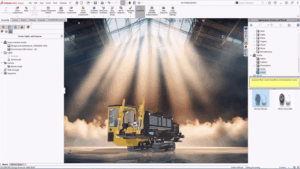
Background Importer will be a good solution for better time management. In the regular work cycle, we will get data from some older files or from the internet rather than doing the general part design like motors, bearings, or any older files in this category. We used to make the IGS format file to import into the SOLIDWORKS software to utilize in the projects. Till the last version, we needed to wait until the file got imported, but in the latest version of SOLIDWORKS 2026, they have come up with an update to import the file within the Task Pane, and in parallel we are able to work rather than waiting. Also, we can know the details of the file once it is done with the importing. After that, we can utilize them, and we can run multiple files in the background importer.
Step 1 :
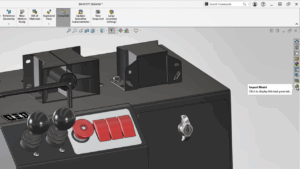
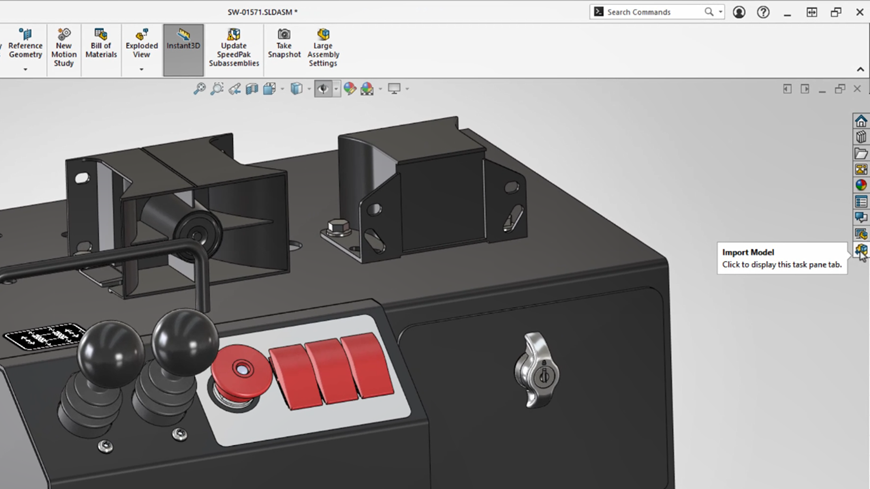
You will be having the Import Model option in the Task pane tab in the right side of the SOLIDWORKS Interface.
Step 2 :
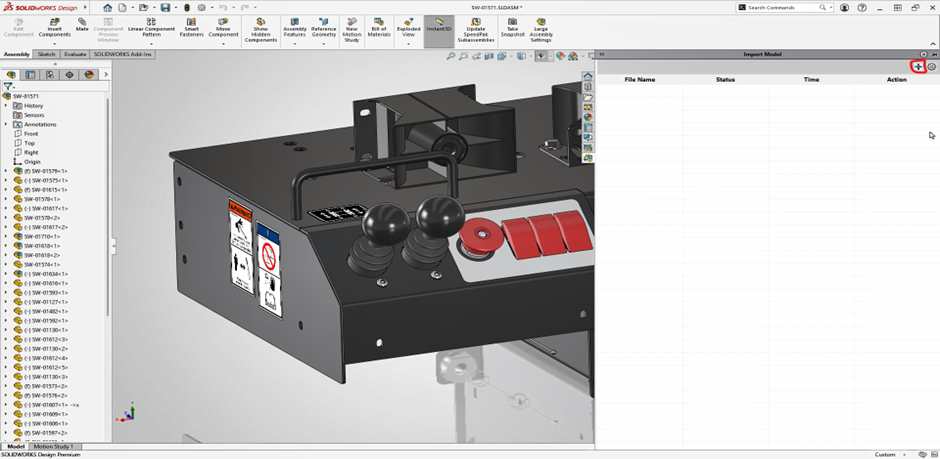
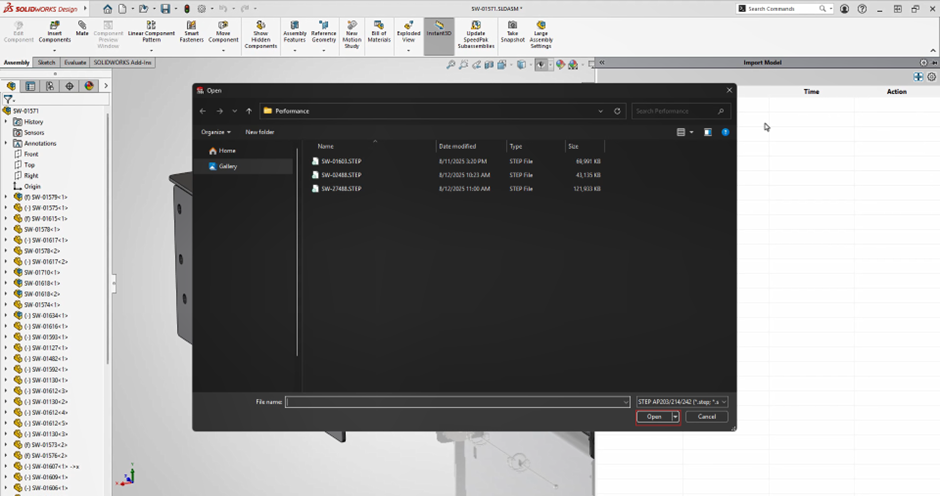
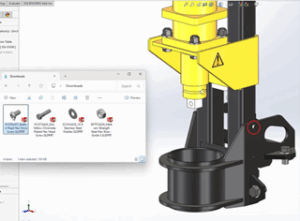
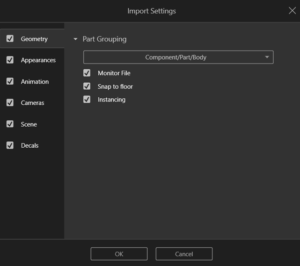
Once you click the Import Model tab, you will able to see the settings and add file option inside the tab. Click the add file symbol and select the required files to be get imported in the SOLIDWORKS software. Once completing the selection, click the Ok option to start the import progress of the model.
Step 3 :
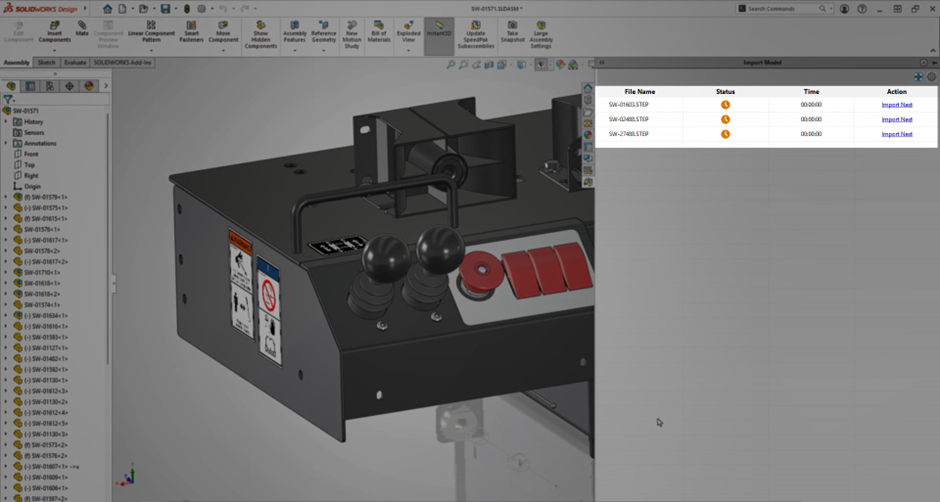
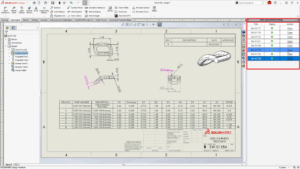
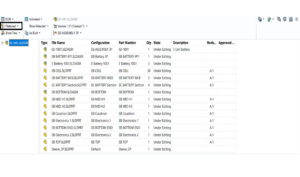
Once the file is imported, the files will be processed for the opening, and it get notified once it done till then we can able to parallel working.
Step 4 :
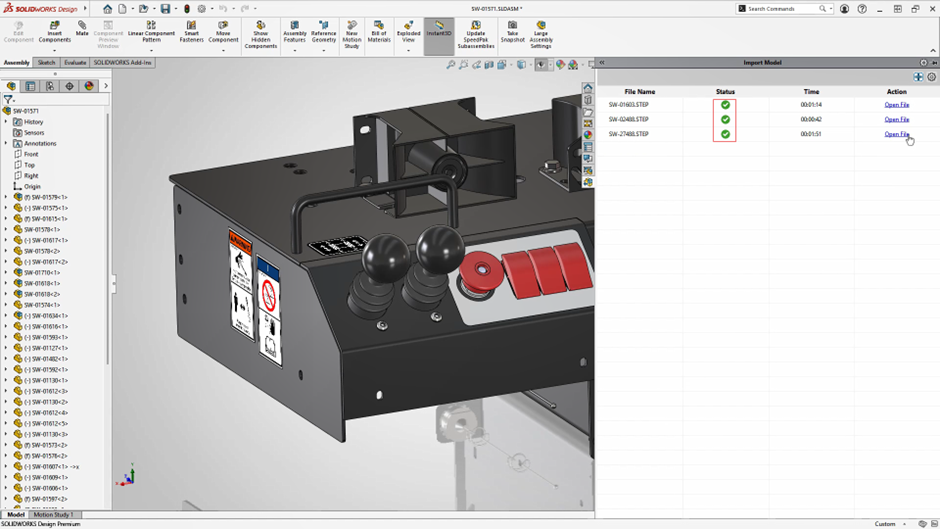
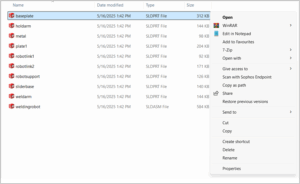
Once it done, the status will be updated and will able to open the file as per the requirements.