

Threads (Screw Threads) are essential features for any mechanical system and component. In the present age, they are not only used for fastening the components but are also used in multiple other applications such as: Power transmission, Sealing, Assembly and Disassembly, Load transfer and Motion transmission.
In SOLIDWORKS, the screw threads (internal or external) can be created on a cylindrical surface using the “Threads” feature available in features modelling. However, if the screw threads are to be cut on a conical surface (Tapered Surface), then the helix with the required pitch, height, and revolutions is to be first created on the tapered surface. The threads are then cut using the required thread profile.
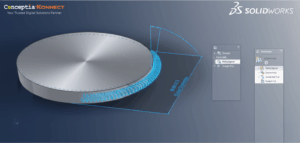
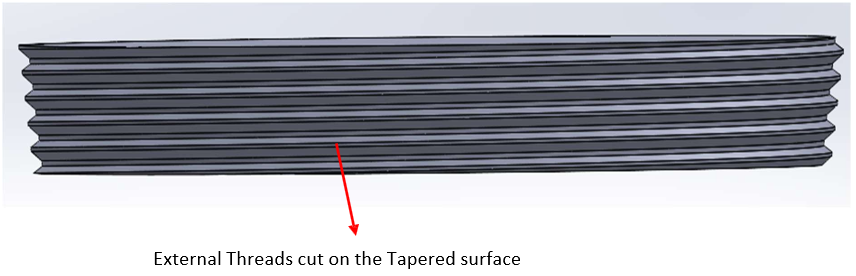
In this blog, the concept of creating external screw threads on a tapered part is showcased by considering the following example. We have a tapered part as shown below. The screw threads have to be cut on the outer surface of the tapered part.
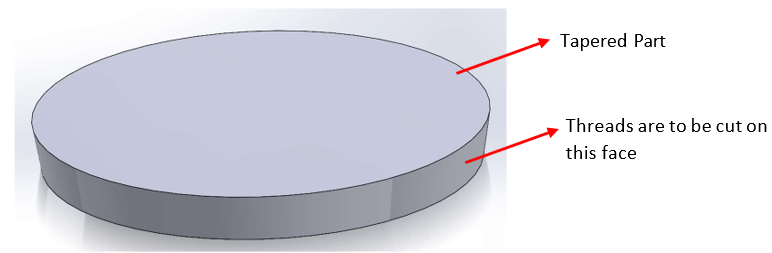
The step-by-step procedure for cutting the threads on the Tapered part is as follows…
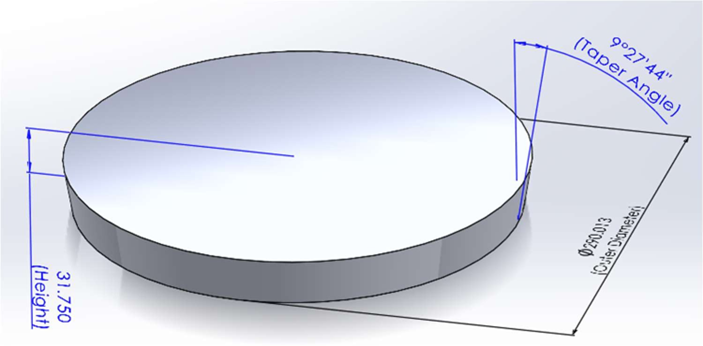
- Create the Tapered part with the required dimensions for the diameter, height, and taper angle
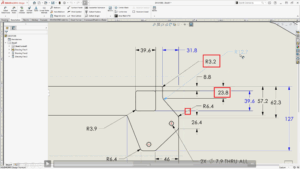
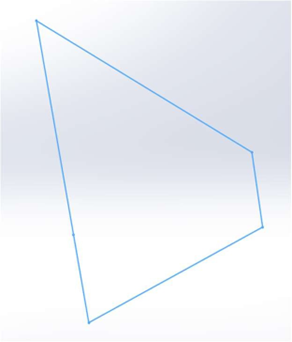
2. Create the thread profile as per the specifications in a separate sketch, as shown below
3. Create the helix on the tapered surface of the part using the height, Pitch, and angle settings.

4. Create a Thread Profile Plane normal to the start point of the Helix

5. Position the Thread Profile on the Thread Profile Plane to match the Part’s taper, and coincide it with the Helix start point

6. Using the Sweep-cut option, cut the threads on the tapered surface by using the Thread profile as the Sketch Profile and the helix as the Path
Conclusion:
The procedure for creating the external threads on a Tapered part using the Helix feature in SOLIDWORKS has been showcased. To get the best results in terms of the shape and profile of the threads, the thread profile sketch has to be created to the exact dimensions. While attaching the thread profile to the Helix, it is to be ensured that the Thread profile is attached to the Helix using the Coincident relation.